04 Items & systems
Redeem Codes & Phone Booth
Redeem notices belong to the phone-booth feature; record the notice date before assuming a code is active.
What this page can say
Never confuse a Steam beta-branch password with an in-game redeem code.
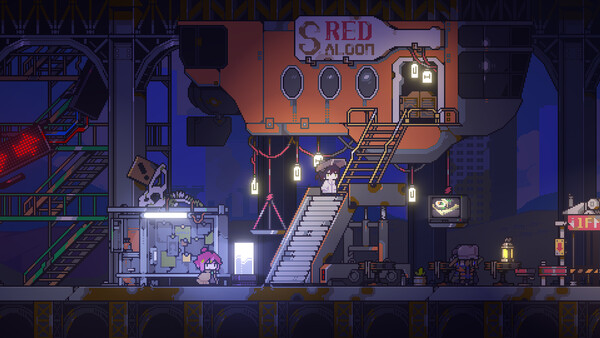
Player-reported / recheck in your save
What to do first
Use the phone booth on the right side of the farm for the three Music Disk codes named in the official announcement: 12311, 24141, and 35321.
Before you start
- Open the in-game phone booth rather than a Steam beta-branch prompt.
- Enter only one number at a time and check the current result.
- Keep the official announcement as the authority when third-party lists differ.
A practical first-days route
- Go to the phone booth on the right side of the farm.
- Try 12311, then 24141, then 35321 as separate entries.
- Check the game response after each entry before assuming a reward was granted.
- Record the build version if a listed code no longer behaves as announced.
The announcement says these codes remain valid permanently, but the actual input and reward should still be checked in your current build. Historical third-party numbers are not merged into this list.
References
These links support the route and its conditions. Follow the status in the guide rather than treating one link as a final answer.
Patch note
Check this page again after a patch or when your in-game objective differs.